将excel按照某一列的值,拆分成多个单独文件

有时候我们需要将excel表格中根据某个字段的值,拆分成为不同的独立文件,方便发送给不同的人。以下方式可以实现。
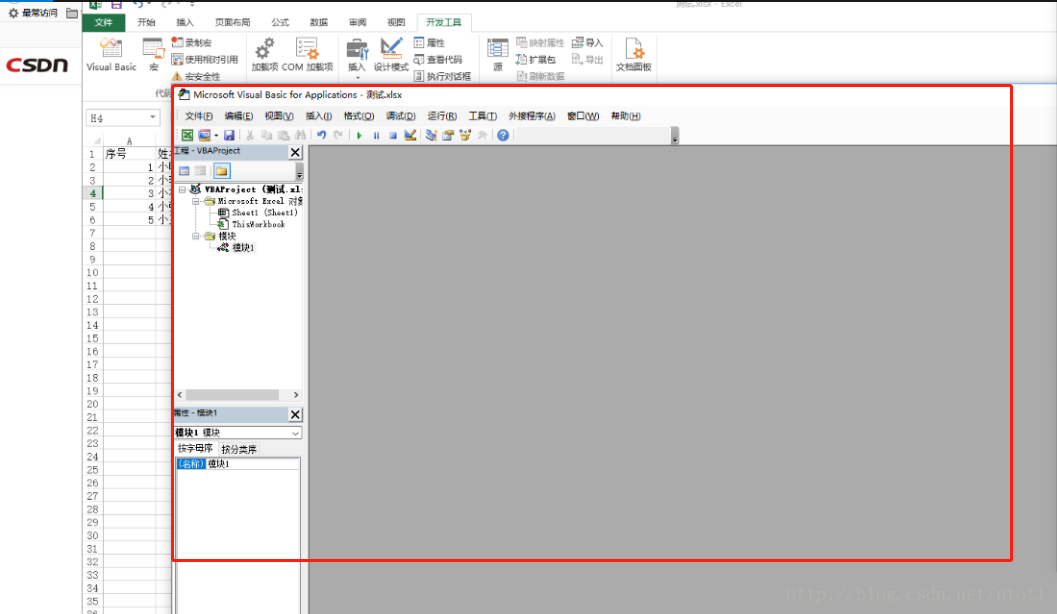
1.打开目标excel,按alt + f11键打开VBE窗口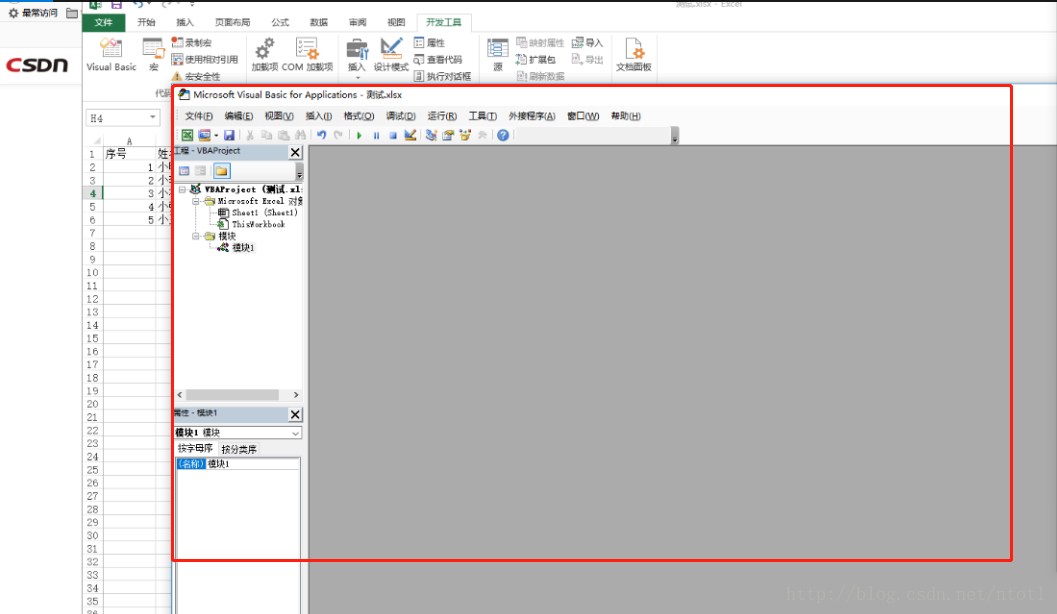
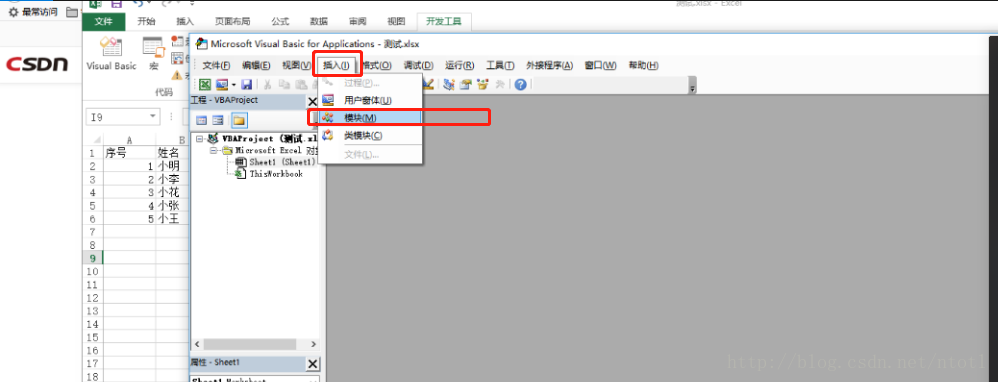
2.选择插入->模块粘贴下面代码到编辑器中
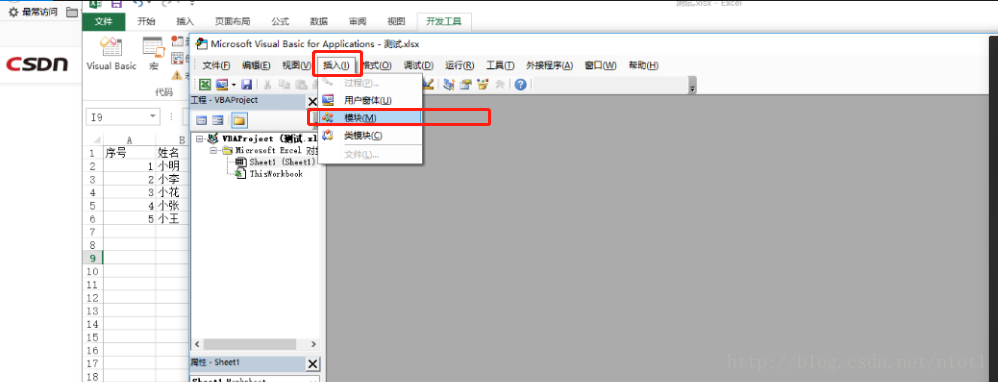 代码:
代码:
Sub 保留表头拆分数据为若干新工作簿()
Dim arr, d As Object, k, t, i&, lc%, rng As Range, c%
c = Application.InputBox("请输入拆分列号", , 4, , , , , 1)
If c = 0 Then Exit Sub
Application.ScreenUpdating = False
Application.DisplayAlerts = False
arr = [a1].CurrentRegion
lc = UBound(arr, 2)
Set rng = [a1].Resize(, lc)
Set d = CreateObject("scripting.dictionary")
For i = 2 To UBound(arr)
If Not d.Exists(arr(i, c)) Then
Set d(arr(i, c)) = Cells(i, 1).Resize(1, lc)
Else
Set d(arr(i, c)) = Union(d(arr(i, c)), Cells(i, 1).Resize(1, lc))
End If
Next
k = d.Keys
t = d.Items
For i = 0 To d.Count - 1
With Workbooks.Add(xlWBATWorksheet)
rng.Copy .Sheets(1).[a1]
t(i).Copy .Sheets(1).[a2]
.SaveAs Filename:=ThisWorkbook.Path & "\" & k(i) & ".xls"
.Close
End With
Next
Application.DisplayAlerts = True
Application.ScreenUpdating = True
MsgBox "完毕"
End Sub
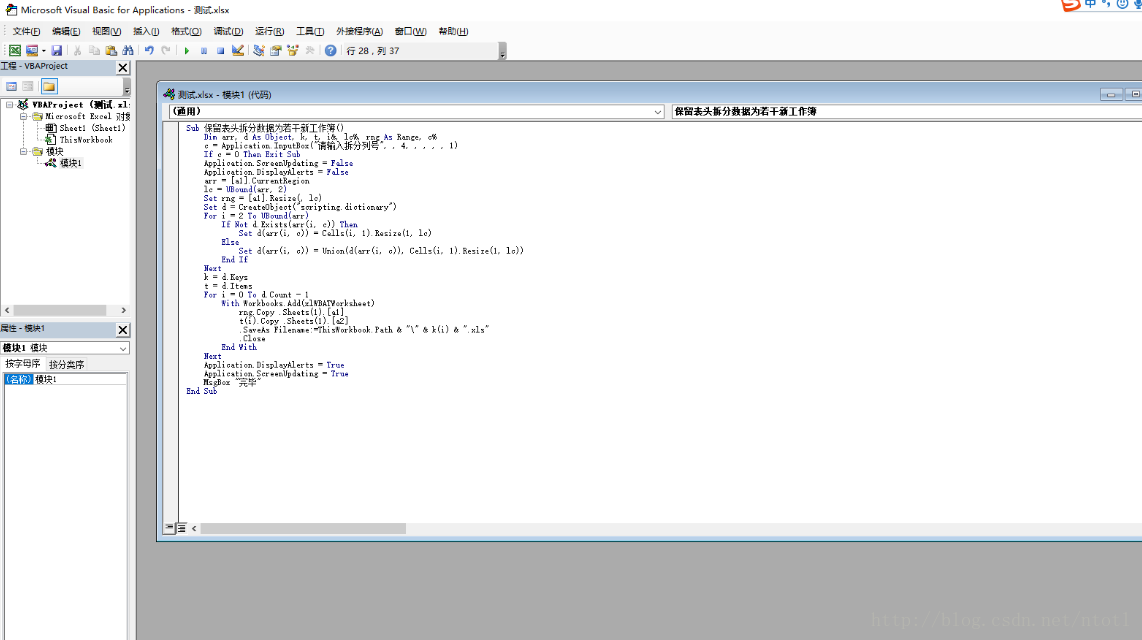
其中“.SaveAs Filename:=ThisWorkbook.Path & "\" & k(i) & ".xls"”这样代码可以根据自己需要进行修改,对于xlsx文件,记得将xls改成xlsx。
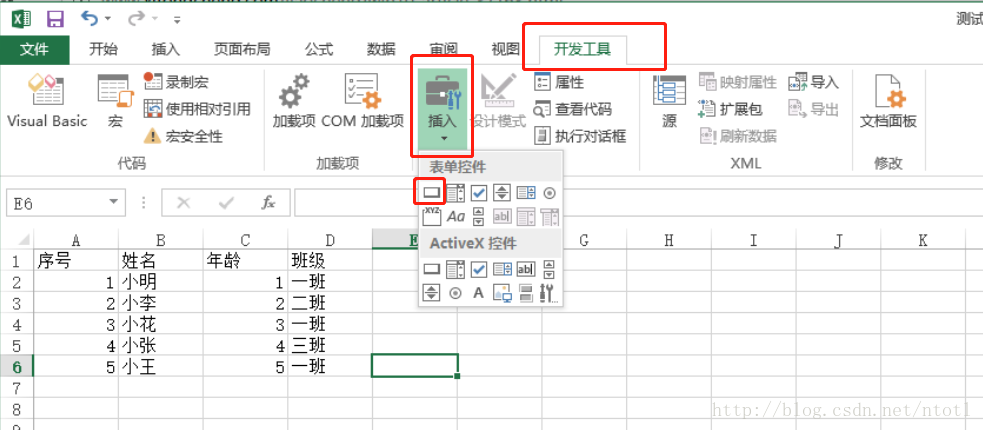
3.保存后回到excel文件,选择开发工具->插入->表单控件(按钮(窗体控件)),没有开发工具选项的在设置里面打开选项如图

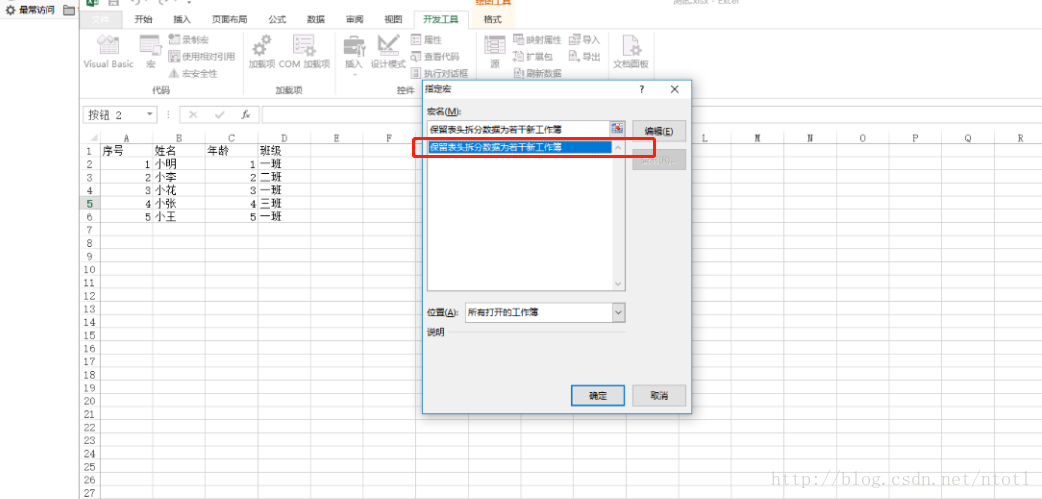
4.按住鼠标左键不动然后在excel中划定一个按钮区域,然后会自动弹出的窗口,选择刚才保存的宏,点击确定
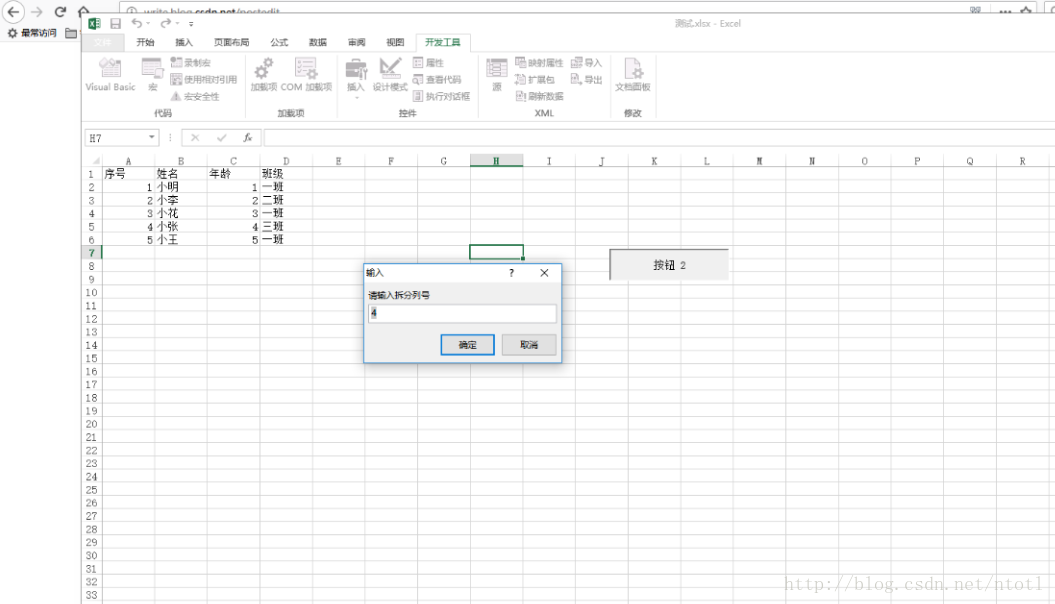
5.鼠标从按钮上面移开 ,然后点击按钮输入要列号,就是根据哪列的数据进行拆分文件,下图我们输入4就是按照班级进行拆分,根据不同的班级拆分成不同的文件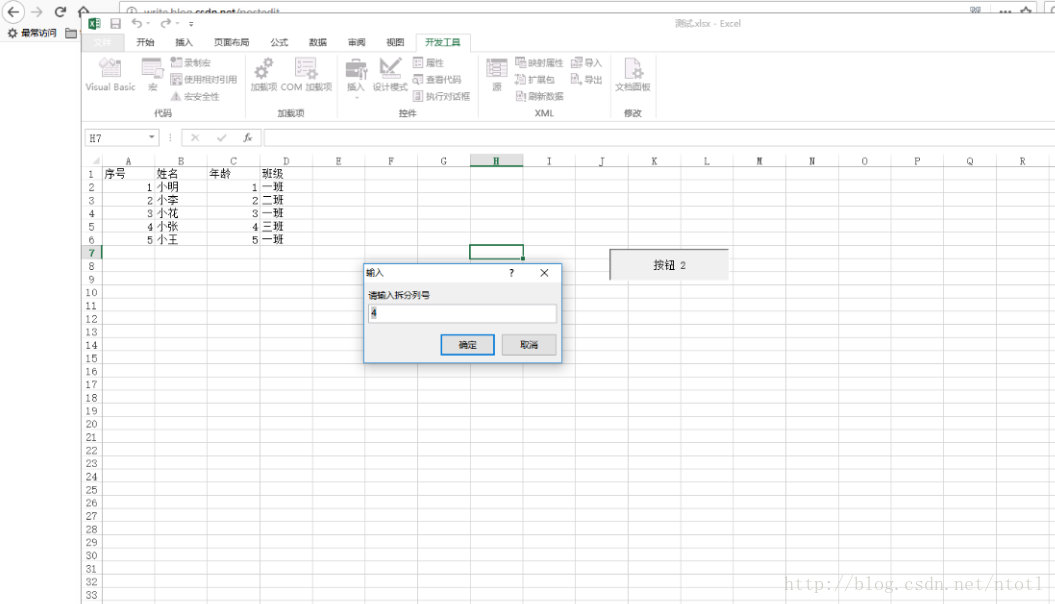
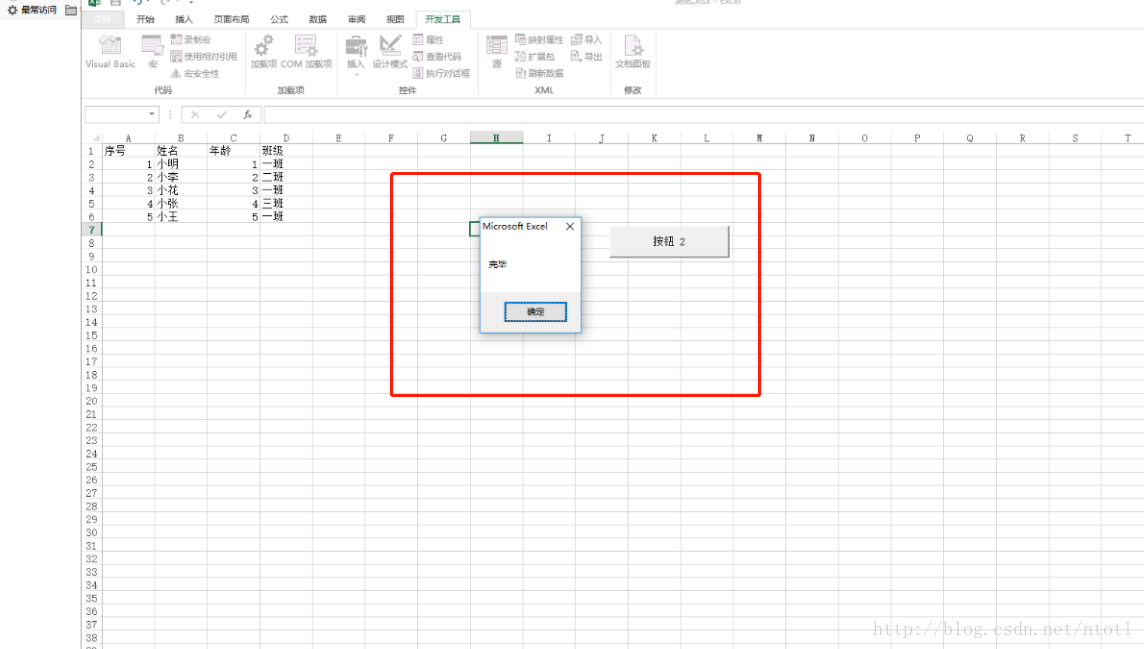
5.点击确定后,如果弹出完毕提示框代表拆分完成
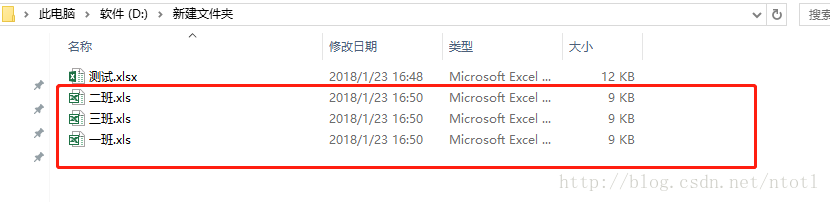
6.到源文件所在的目录文件中查看拆分的文件